
Appearance
Cold storage
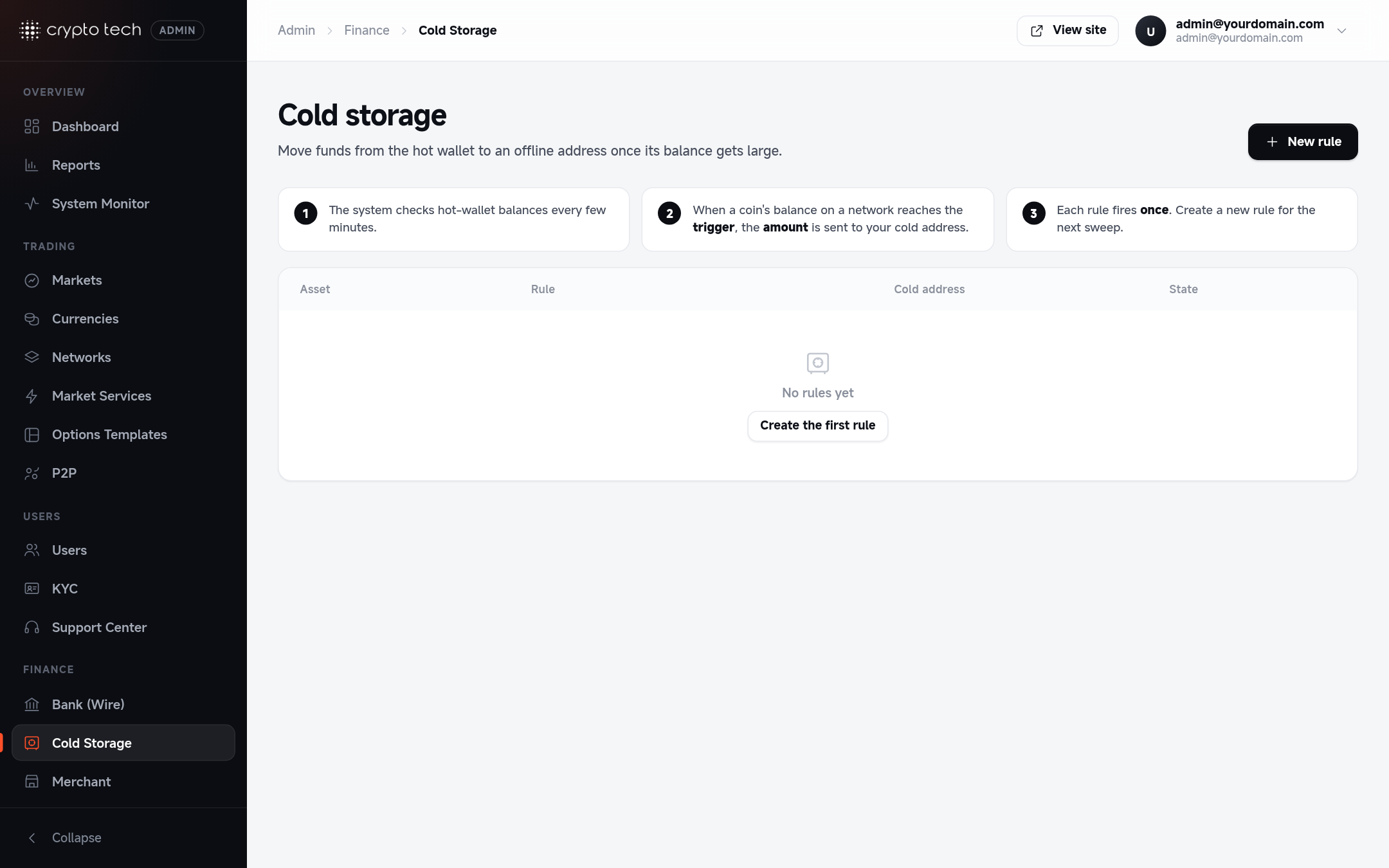
Keep only working balances in your hot wallets. A cold storage rule watches one coin's hot-wallet balance on one network and, when it grows past a trigger, sends part of it to an offline address you control.
Plan
Cold storage rules are available on the VIP plan (APP_PLAN=5). On other plans the page explains the feature but rules can't be created.
How it works
- The system checks hot-wallet balances every few minutes (the wallet balance tasks in the scheduler).
- When a coin's balance on a network reaches the rule's trigger, the rule's amount is sent to your cold address.
- Each rule fires once. After it has sent its amount it shows as Done. Create a new rule for the next sweep.
Sweeps wait for approval
When a rule fires it creates a crypto withdrawal from the hot wallet to your cold address, waiting for approval, just like a user withdrawal. Approve it in Reports → Crypto withdrawals (or let automatic approval send it). If you reject it, or the transfer fails, the rule becomes available to fire again.
Creating a rule
| Field | Meaning |
|---|---|
| Coin and Network | Which hot-wallet balance to watch, for example USDT on TRC-20 |
| Trigger at balance | Fires when the hot wallet holds at least this much |
| Amount to send | How much to move when it fires. The form shows what stays behind. Keep enough for withdrawals: send only part of the balance. |
| Cold address | An address you control offline, on the same network |
| Enabled | Paused rules never fire |
The In plain words box reads the rule back to you, for example "When the hot wallet holds 50,000 USDT, send 40,000 USDT to TXy…".
Rule states
| State | Meaning |
|---|---|
| Armed | Enabled, waiting for the trigger |
| Paused | Disabled, won't fire |
| Done | Fired once and sent its amount |
Delete rule stops future sweeps. Past transfers are not affected.
Check the cold address twice
Funds sent to a wrong address can't be recovered. Copy the address from your hardware wallet's screen and test with a small rule first.