
Appearance
Notifications
Email alerts for your operations team, so deposits waiting for review, withdrawals and new KYC documents don't sit unnoticed.
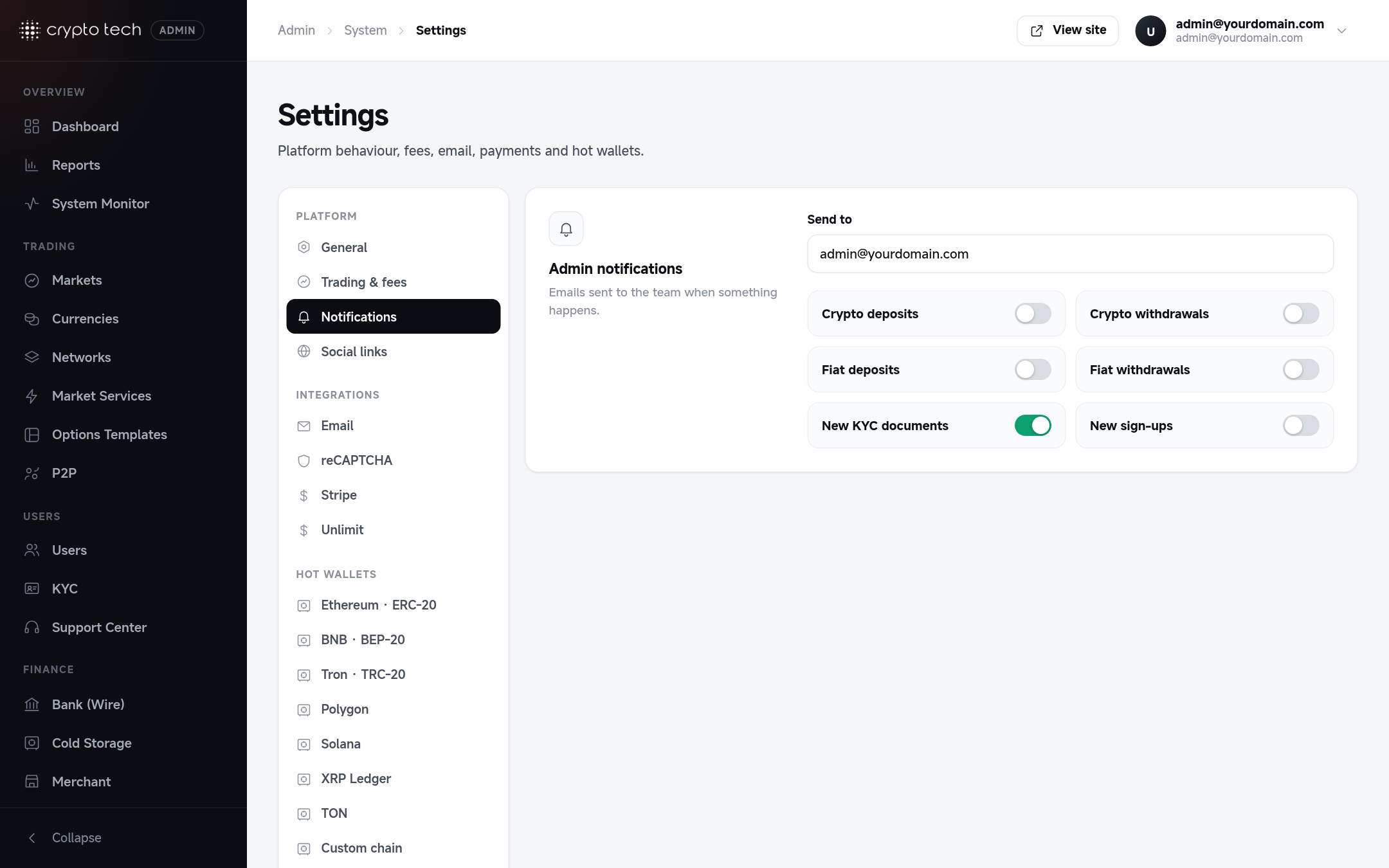
Send to
The address that receives every admin notification, for example [email protected]. Use a shared team mailbox or a mailing list so alerts reach whoever is on duty.
Events
Turn on the events your team should hear about:
| Switch | Email sent when |
|---|---|
| Crypto deposits | A blockchain deposit arrives |
| Crypto withdrawals | A user requests a crypto withdrawal |
| Fiat deposits | A user submits a bank or card deposit |
| Fiat withdrawals | A user requests a bank withdrawal |
| New KYC documents | A user uploads identity documents for review |
| New sign-ups | A new account is registered (the email links straight to that user in the admin panel) |
TIP
Notifications are sent with the email settings from Settings → Email. If alerts don't arrive, check that section first, then the queue workers (emails are sent in the background).
The admin dashboard's Needs attention card shows the same work queues live: withdrawals to approve, fiat deposits to confirm, KYC documents, unanswered support tickets and open P2P appeals. See Dashboard.