
Appearance
Appeals
When a buyer and seller disagree (the buyer says they paid, the seller says the money never arrived), either side can open an appeal. Your decision is final: it either releases the escrowed crypto to the buyer or returns it to the seller.
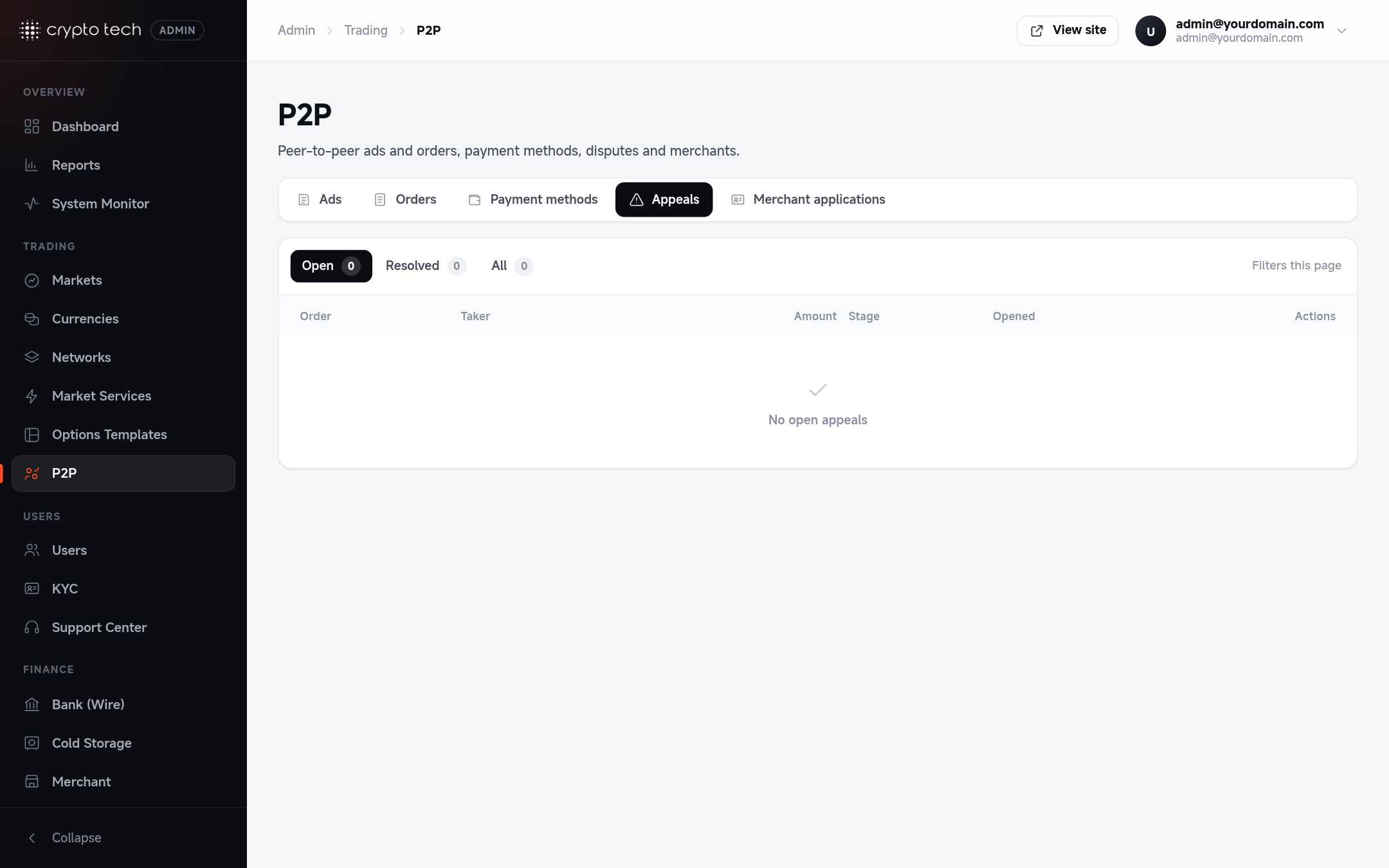
Find open appeals
P2P → Appeals has three tabs: Open, Resolved and All. Open appeals are also counted on the Dashboard under Needs attention.
Each appeal shows its stage:
| Stage | Meaning |
|---|---|
| Pending | Opened, waiting for the other side or support |
| Responded | The other side has answered |
| Resolved | An admin has decided |
| Withdrawn | The user who opened it cancelled it |
Read the case
Open the appeal. You see the appeal and order details and the order chat: every message between the buyer, the seller and support, including receipts they've shared.
Check:
- Did the buyer pay the right amount, to the right account, in time? Ask for a bank statement or a screenshot showing the transfer reference.
- Does the payment show on the seller's side? Ask the seller for a statement covering the order time.
- Names: does the payer's name match the buyer's account?
Ask questions in the chat
Write in the order chat (Write a message…, then Send). Both users see your messages. Ask both sides for evidence before deciding.
Decide
Click Resolve on the appeal and choose one of four decisions, grouped by whether you approve or reject the appeal:
| Group | Decision | Effect |
|---|---|---|
| Appeal approved | Release the crypto | The buyer paid: send the escrowed crypto to the buyer |
| Appeal approved | Cancel the order | Return the escrowed crypto to the seller |
| Appeal rejected | Release the crypto | Complete the order as it stands |
| Appeal rejected | Cancel the order | Close the order and return the crypto to the seller |
Click Confirm decision.
Decisions are final
Released crypto goes to the buyer, and a cancelled order returns it to the seller. Neither can be undone from the admin panel. Decide only when you have evidence.
After deciding
- The appeal moves to Resolved and the order to Completed or Cancelled.
- If a user abused P2P, ban them from P2P in Users (Ban from P2P).
Support messages are staff-only
Messages that appear as Customer Support in the appeal (and move the appeal to its next stage) can only be posted by staff with the P2P support role (p2p_appeal_judge, see Roles). Users can't post them, and only the user who opened an appeal can cancel it.