
Appearance
Hot wallets
Each network has one platform-owned wallet, the hot wallet. It pays out users' withdrawals, and it collects their deposits.
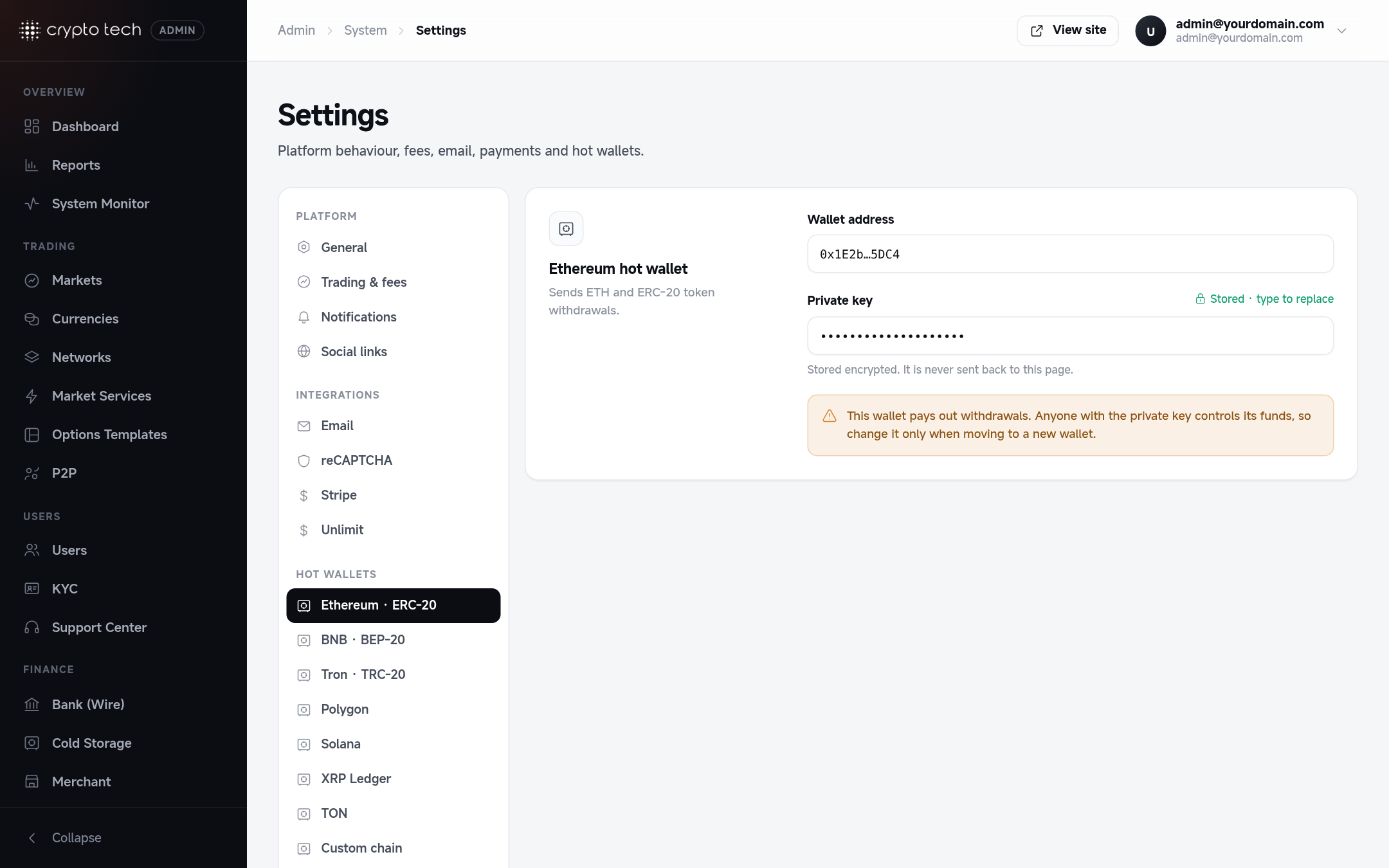
Networks
| Section | Sends |
|---|---|
| Ethereum · ERC-20 | ETH and ERC-20 token withdrawals |
| BNB · BEP-20 | BNB and BEP-20 token withdrawals |
| Tron · TRC-20 | TRX and TRC-20 token withdrawals |
| Polygon | POL and POL-20 token withdrawals |
| Solana | SOL and SPL token withdrawals |
| XRP Ledger | XRP withdrawals |
| TON | TON withdrawals |
| Custom chain | Withdrawals of your custom blockchain token |
What the hot wallet does
- Withdrawals: approved withdrawals on that network are sent from this wallet.
- Deposit collection: when a user deposits a token (for example USDT on Tron), the hot wallet sends a small amount of the network's coin to the user's deposit address to pay the transaction fee, and the deposit is moved into the hot wallet.
So every hot wallet needs:
- Enough of each coin and token to cover withdrawals, and
- Enough of the network's own coin (ETH, BNB, TRX, POL, SOL) to pay transaction fees.
Balances of all hot wallets are shown in Reports → System wallets.
Setting a wallet
| Field | What to enter |
|---|---|
| Wallet address | The public address of the wallet |
| Private key | The wallet's private key. After saving it shows as ••••. Leave it untouched to keep the stored key. |
Protect the private keys
Anyone with a hot wallet's private key controls its funds. The keys are saved in the platform's database (they are not shown on this page again), so:
- Keep only working balances in hot wallets. Move the rest to cold storage, automatically with Cold storage rules.
- Restrict database access: a strong database password, no public database port, and backups stored encrypted.
- Give the Settings area only to people who need it (superadmin role).
- Change a key only when moving to a new wallet, and move the funds first.