
Appearance
P2P administration
In P2P trading, users buy and sell crypto directly with each other and pay outside the exchange (bank transfer, e-wallet and so on). The seller's crypto is held in escrow until they confirm the payment. Your team watches the ads and orders, maintains payment methods, settles disputes and approves merchants.
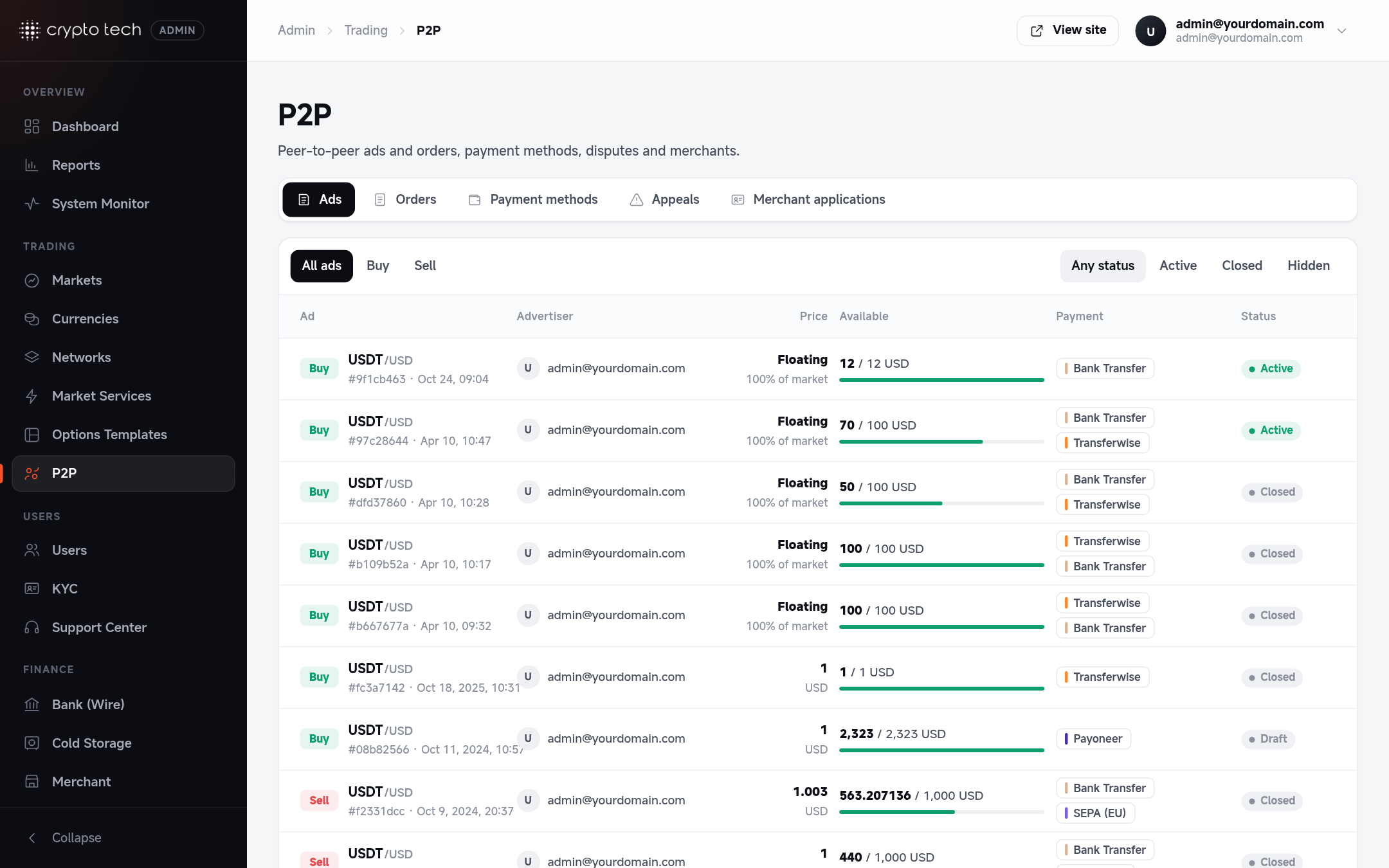
Sections
Admin → Trading → P2P has its own section bar:
AdsEvery buy and sell advertisement users have posted.OpenOrdersEvery P2P order and its status.OpenPayment methodsThe ways users can pay each other, and the details each one asks for.OpenAppealsDisputes between buyer and seller, and how to resolve them.OpenMerchant applicationsUsers applying to become verified P2P merchants.Open
How a P2P order flows
- A user posts an ad to buy or sell a coin for a fiat currency, with a price, limits and accepted payment methods.
- Another user (the taker) opens an order on the ad. The seller's crypto is locked in escrow.
- The buyer pays outside the exchange and marks the order Paid.
- The seller confirms the money arrived, and the crypto is released to the buyer: the order is Completed.
- If the buyer doesn't pay in time, the order is cancelled automatically and shows as Expired.
- If they disagree, either side can open an appeal, and your team decides.
Order statuses
| Status | Meaning |
|---|---|
| Awaiting payment | The order is open and the buyer hasn't paid yet |
| Paid | The buyer says they've paid; waiting for the seller to release |
| In appeal | A dispute is open |
| Completed | Crypto released to the buyer |
| Cancelled | Cancelled by a participant or by a decision |
| Expired | Cancelled automatically because the payment time ran out |
Where P2P is switched on per currency
Which coins and fiat currencies can be used in P2P, and the P2P fees, are set on each currency: see Currencies → P2P.
Who can use these pages
The P2P sections need the superadmin role. See Roles & permissions for the P2P support role.