
Appearance
Networks
A network is a blockchain or payment rail that currencies move on: Ethereum, BNB Smart Chain, Tron, bank transfer and so on. Pausing a network stops it for every currency on it.
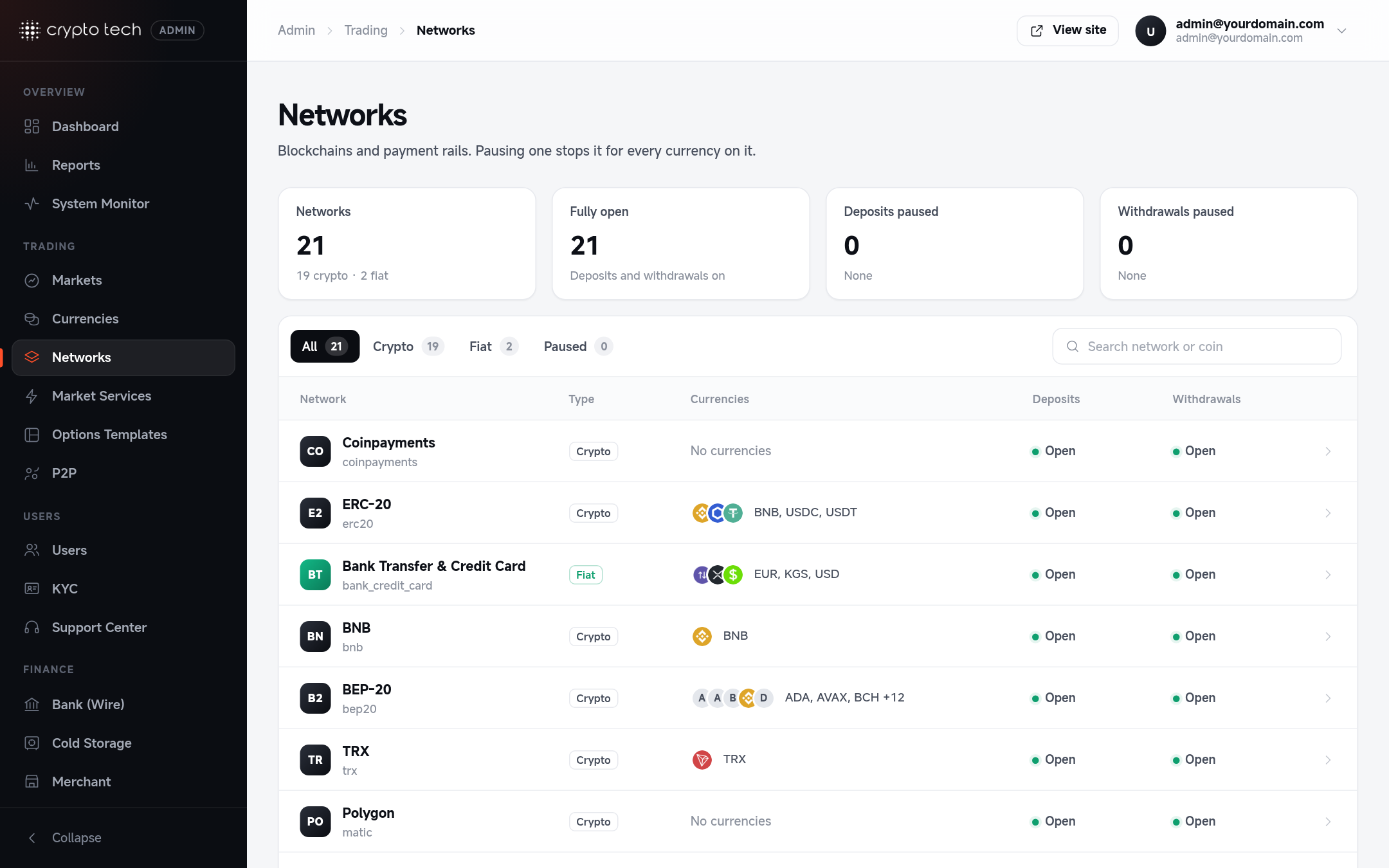
The networks list
Admin → Trading → Networks shows each network, its type, the currencies on it and whether deposits and withdrawals are open. The header shows how many networks have deposits and withdrawals on. Search by network or coin.
Supported networks
| Network | Type | Used for |
|---|---|---|
| Internal | Coin | Transfers between users on your exchange |
| ETH / ERC-20 | Coin | Ether and Ethereum tokens |
| BNB / BEP-20 | Coin | BNB and BNB Smart Chain tokens |
| TRX / TRC-20 | Coin | TRX and Tron tokens |
| BTC / BRC-20 | Coin | Bitcoin and Bitcoin (BRC-20) tokens |
| Polygon / MATIC-20 | Coin | POL and Polygon tokens |
| Solana / Solana SPL | Coin | SOL and Solana tokens |
| XRP Ledger | Coin | XRP |
| TON Network | Coin | TON |
| Custom chain | Coin | Your own blockchain and its tokens |
| Bank Transfer & Credit Card | Fiat | Wire transfers and card payments |
| Perfect Money | Fiat | Perfect Money deposits and payouts |
Editing a network
| Field | Meaning |
|---|---|
| Display name | How the network is named on deposit and withdrawal screens, for example BEP-20. Users choose the network by this name. |
| Identifier | Used by the wallet services. It can't be changed. |
| Type | Coin or fiat, set by the integration |
Availability
| Switch | When off |
|---|---|
| Deposits | Deposit addresses on this network are hidden from users |
| Withdrawals | New withdrawals on this network are blocked |
Use these during node maintenance or a chain incident. The list at the bottom shows every currency on the network, with its own deposit and withdrawal status. Those per-currency switches still apply when the network is open (see Currencies → Network availability).
Tell your users
When you pause a network, post a short announcement so users know why deposits or withdrawals are unavailable, and when you expect them back.