Appearance
Ads & orders
Two lists that show everything happening in P2P: the ads users post, and the orders opened on them.
Ads
P2P → Ads lists every advertisement.
| Column | Meaning |
|---|---|
| Side | Buy or sell |
| Advertiser | The user who posted it. A Verified merchant badge marks approved merchants. |
| Price | The ad's price. Floating means it follows the market price with a margin. |
| Available | How much crypto is left to trade on the ad |
| Payment | Accepted payment methods |
| Status | Active, Closed, Draft or Hidden |
Filter by side and status. "No ads match these filters" means nothing fits the current filters.
Orders
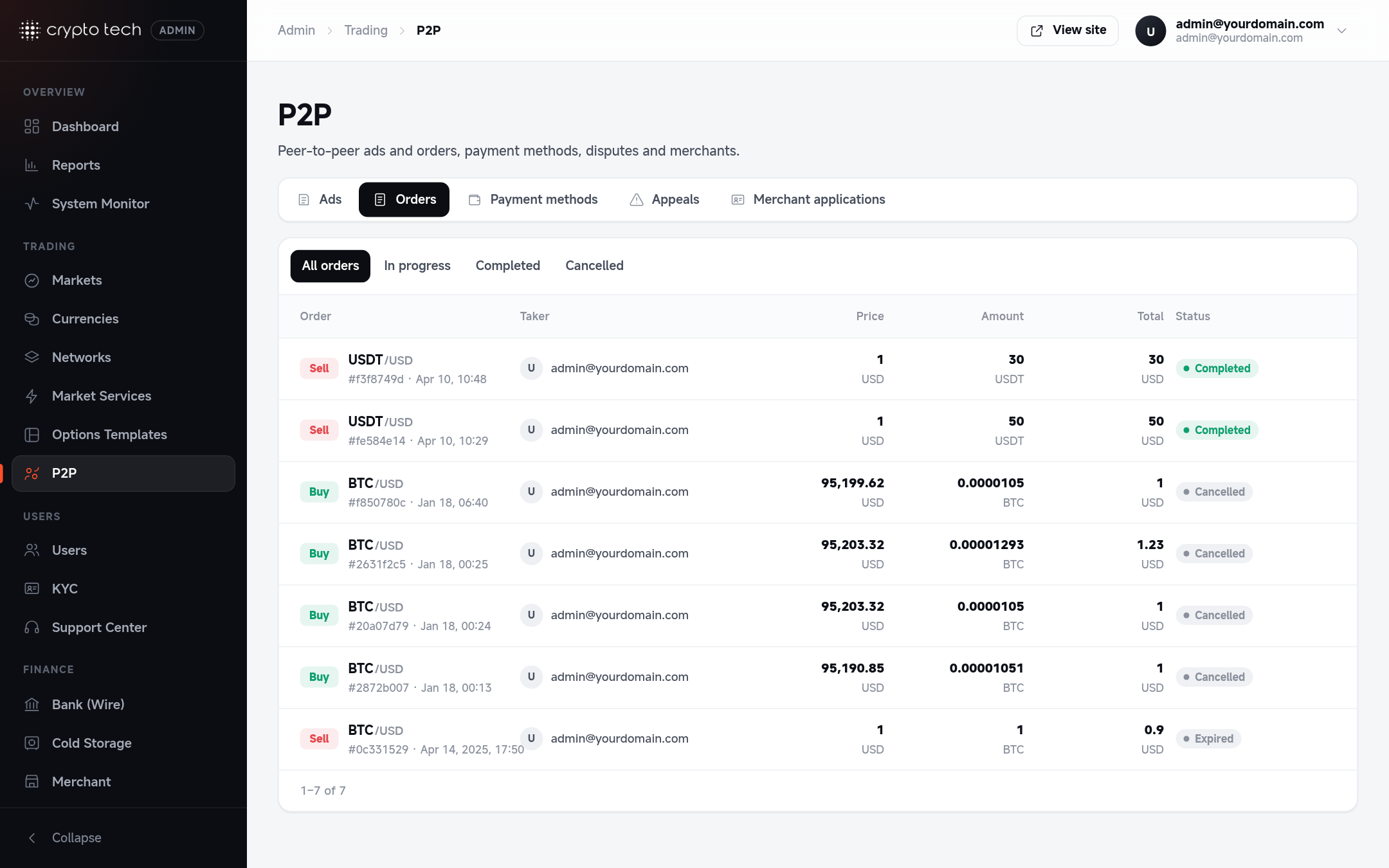
P2P → Orders lists every order with the taker, whether the advertiser is a verified merchant, the price, the crypto amount, the fiat total and the status. Filter by status to find orders awaiting payment, paid or in appeal.
See order statuses for what each status means. If an order is In appeal, resolve it in Appeals.