
Appearance
Compliance audit
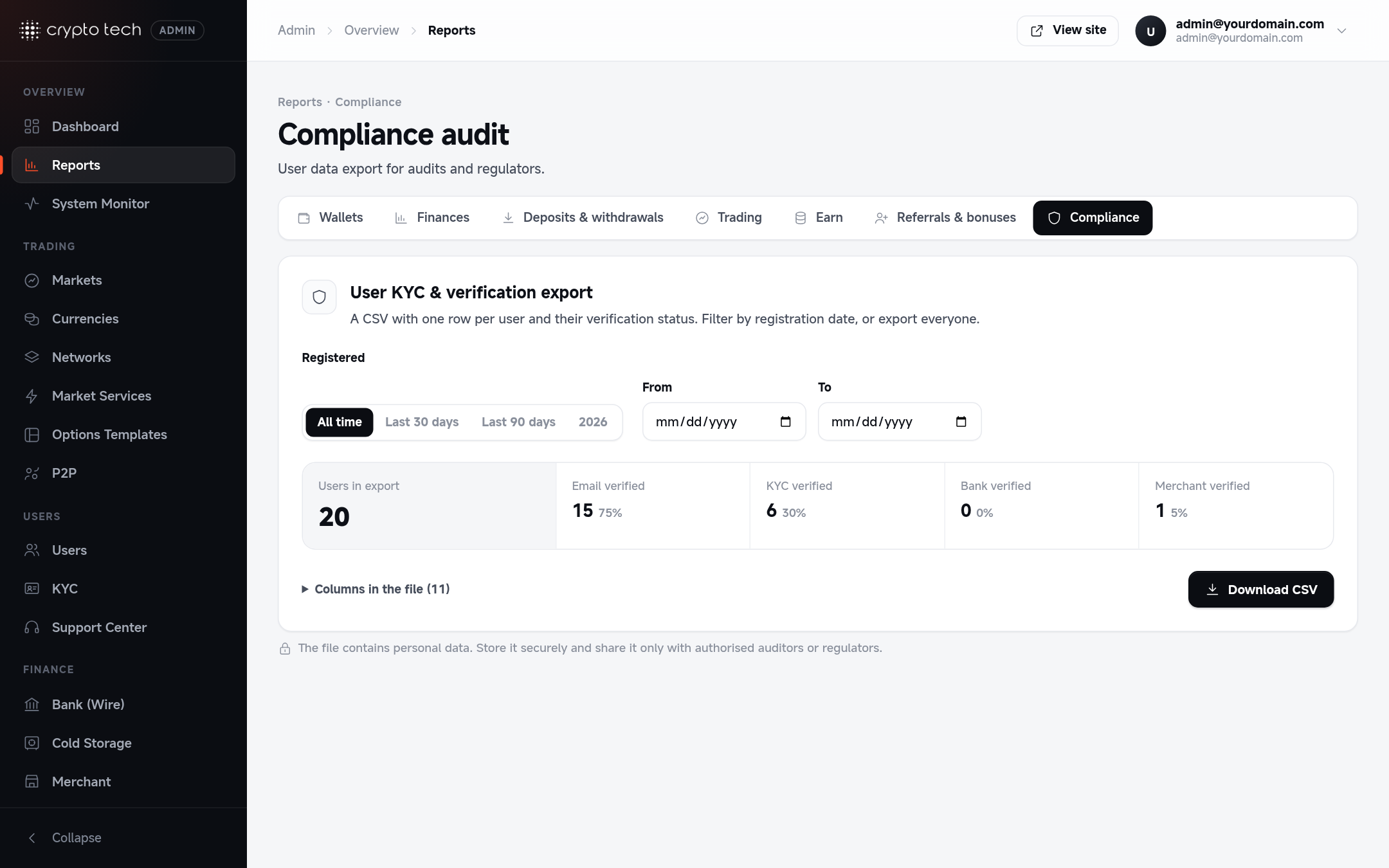
A CSV with one row per user and their verification status, for auditors, banking partners and regulators.
Exporting
- Optionally choose a registration period to export only users who signed up in that range. Leave it empty to export everyone.
- Click Download CSV.
The page also shows how many users are verified in each category, so you can see your verification rates at a glance.
Columns in the file
| Column | Meaning |
|---|---|
| User ID | Internal account number |
| Login email | |
| Nickname | P2P / public nickname |
| Name | Name on the account |
| Email verified | Whether the email address was confirmed |
| KYC verified | Whether identity verification was approved |
| Bank verified | Whether a bank account was verified |
| Merchant verified | Whether the account is a verified P2P merchant |
| Roles | The account's roles (user, admin, …) |
| Created at | Registration date |
| Last seen at | Last activity |
The file is safe to open in Excel or Google Sheets: values that a spreadsheet could run as a formula are neutralised during export.
Personal data
The export contains personal data. Store it securely, share it only with people entitled to it, and delete it when it's no longer needed.