
Appearance
Finances
How much your exchange earned, and from what, for a period you choose.
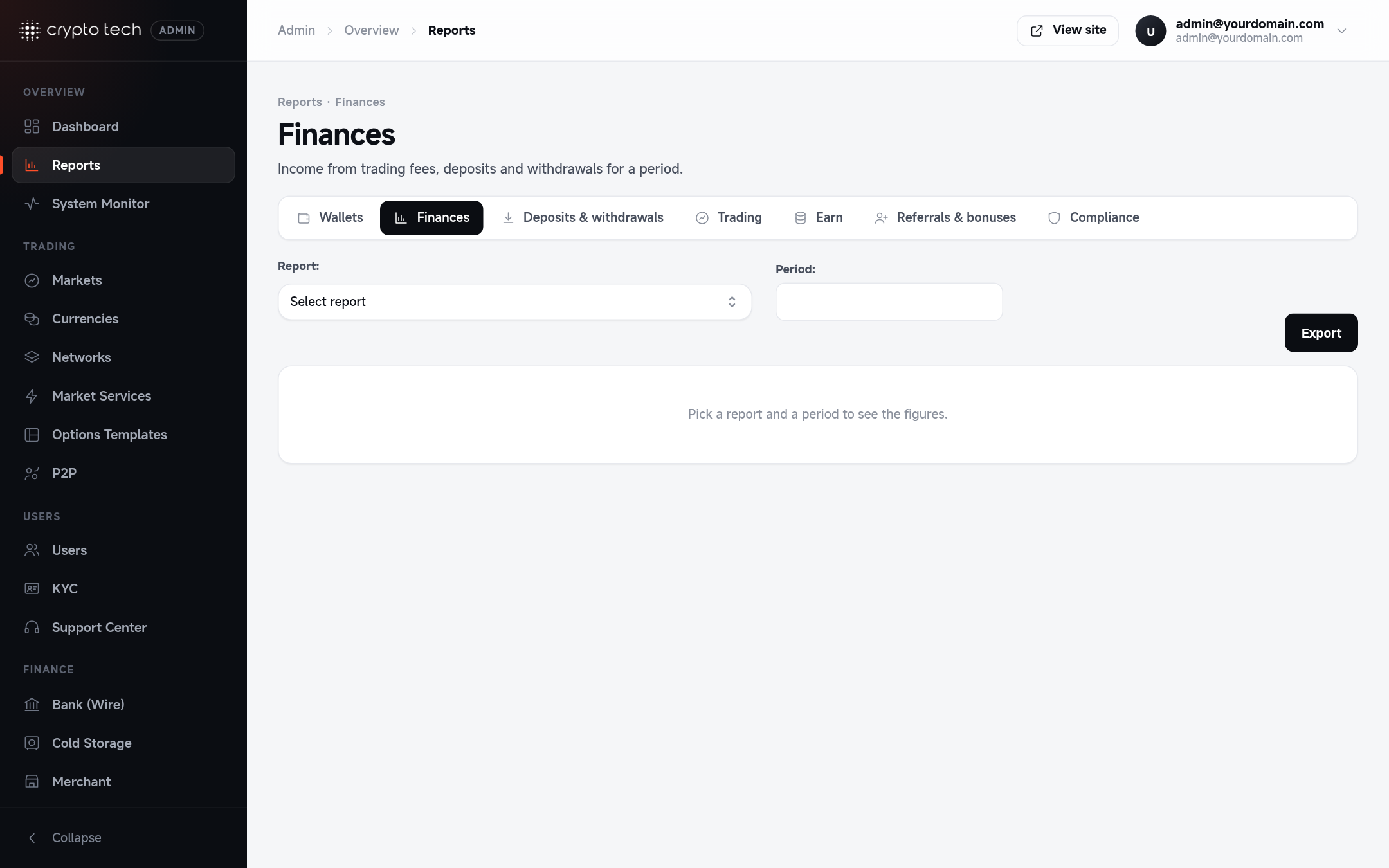
Running the report
- Pick a report: Trades, P2P Trades, Deposits, Withdrawals, Fiat Deposits, Fiat Withdrawals, Options or Futures.
- Pick a period.
- The figures appear below. Click Export to download them as a CSV file.
Nothing is shown until both a report and a period are selected.
What each report shows
| Report | Columns |
|---|---|
| Trades | Market · income from trades · referral earnings paid out · number of trades · base volume · quote volume |
| P2P Trades | Pair · maker income · taker income · total income · number of trades |
| Deposits / Fiat Deposits | Currency · deposit amount · income from deposit fees · number of deposits |
| Withdrawals / Fiat Withdrawals | Currency · withdrawal amount · income from withdrawal fees · number of withdrawals |
| Options | Pair · income · number of options placed |
| Futures | Pair · income · number of positions |
Monthly close
At the end of each month, export Trades, Deposits and Withdrawals for that month and keep the CSV files with your accounting records.