
Appearance
Wallet reports
See what your platform holds on every network, what each user holds, and every manual change an admin made to a balance.
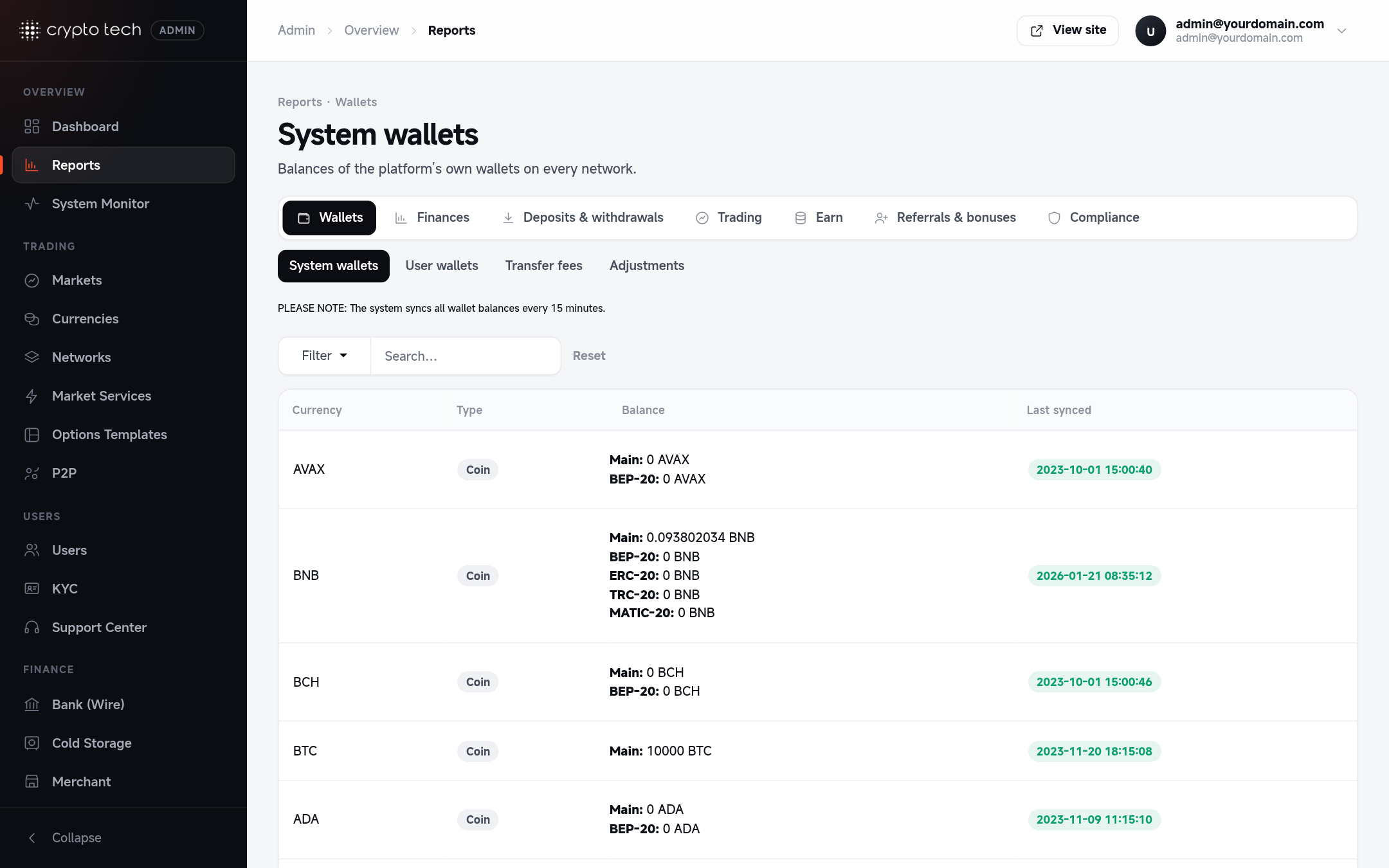
System wallets
Balances of your platform's own wallets (the hot wallets), one row per coin and network.
| Column | Meaning |
|---|---|
| Currency | The coin or token |
| Type | The network |
| Balance | What the hot wallet holds |
| Last synced | When the balance was last read from the blockchain |
Balances are refreshed in the background every 5 to 15 minutes, depending on the network. Use this report to spot a hot wallet running low before withdrawals start showing Insufficient funds.
User wallets
Every user balance by coin. Filter by user, or show only wallets that hold a balance.
| Column | Meaning |
|---|---|
| User | The account |
| Currency | The coin |
| Funding account | Balance in the user's Exchange (funding) wallet |
| Trading account | Balance in the user's Trading wallet |
| In orders | Amount locked in open orders |
| Pending withdraw | Amount reserved for withdrawals waiting for approval |
| Address | The user's deposit address for that coin |
Changing a user's balance
Use the action button on a wallet row to credit or debit it:
- Enter the amount. A positive number credits the wallet. A negative number deducts from it.
- Enter a note. It's required, and it's your audit trail: write why you made the change (for example "Compensation for ticket #1042").
- Confirm.
| Change | Recorded in |
|---|---|
| Credit (positive amount) | As an internal deposit, with your note |
| Deduction (negative amount) | The Adjustments report, with your note |
Balance changes are real money
A credit creates balance that wasn't deposited on the blockchain. Restrict the finance manager role to people you trust, and review the Adjustments report regularly.
Transfer fees
Fees collected when users move funds from their Trading wallet to their Exchange wallet (the rate is set in Trading & fees).
Columns: user, currency, direction, transfer amount, fee percent, fee charged and the amount credited after the fee.
Adjustments
Every manual deduction an admin made from a user's wallet, with the amount, the user, the coin and the note entered at the time.