
Appearance
Payment methods & merchants
Payment methods are the ways P2P users pay each other: bank transfer, e-wallets and so on. Each method asks users for the details the other side needs, such as an account number. This page also covers approving users as verified merchants.
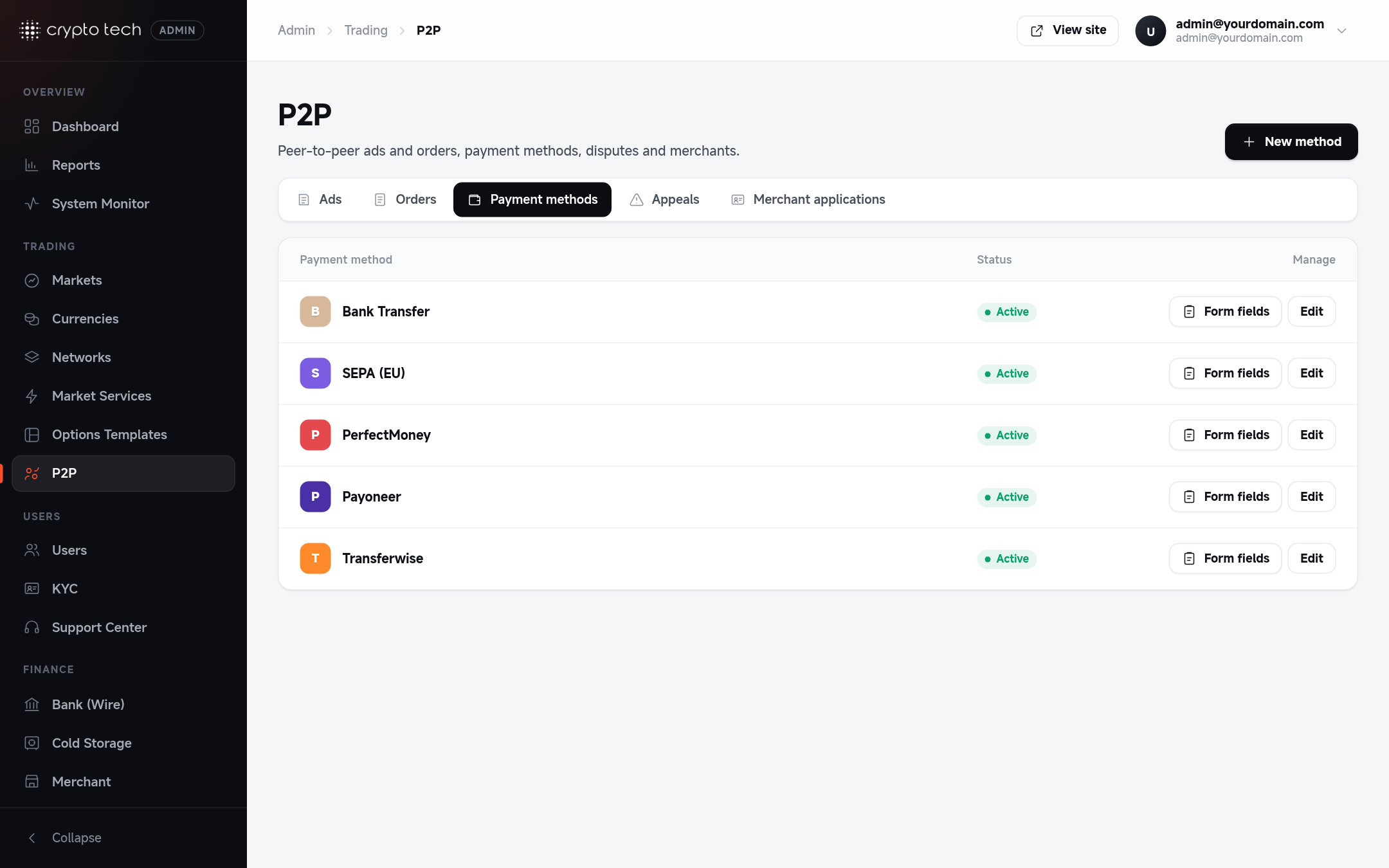
Adding a payment method
P2P → Payment methods → create.
| Field | Meaning |
|---|---|
| Name | What users see, for example Bank transfer or Revolut |
| Active | When on, users can add the method to their profile and ads |
| Badge colour | The colour of the method's badge on ads, so users recognise it at a glance |
| Fiat currencies | Ads in these currencies can offer this method |
Delete payment method removes it from every user profile and ad.
Form fields
Each method has fields that users fill in when they add it, for example Account number or Account holder name. Open a method's Form fields to manage them:
| Field | Meaning |
|---|---|
| Label | What the user is asked for, for example Account number |
| Required | The method can't be saved by a user without it |
Delete field removes it. Users' saved values for that field are no longer shown.
Ask only for what's needed
A buyer needs exactly what's required to send money: for a bank transfer, usually the account holder's name, the IBAN or account number, and the bank name. Don't ask for more personal data than that.
Merchant applications
Experienced P2P traders can apply to become verified merchants. They get a badge on their ads, which builds trust.
P2P → Merchant applications lists each application with the applicant, their address, the uploaded document, the status and when it was submitted.
- Approve the application if the documents check out.
- Reject it with a reason (for example "The document is blurry"). The reason is shown to the applicant. Use Show reason to see why an earlier application was rejected.